
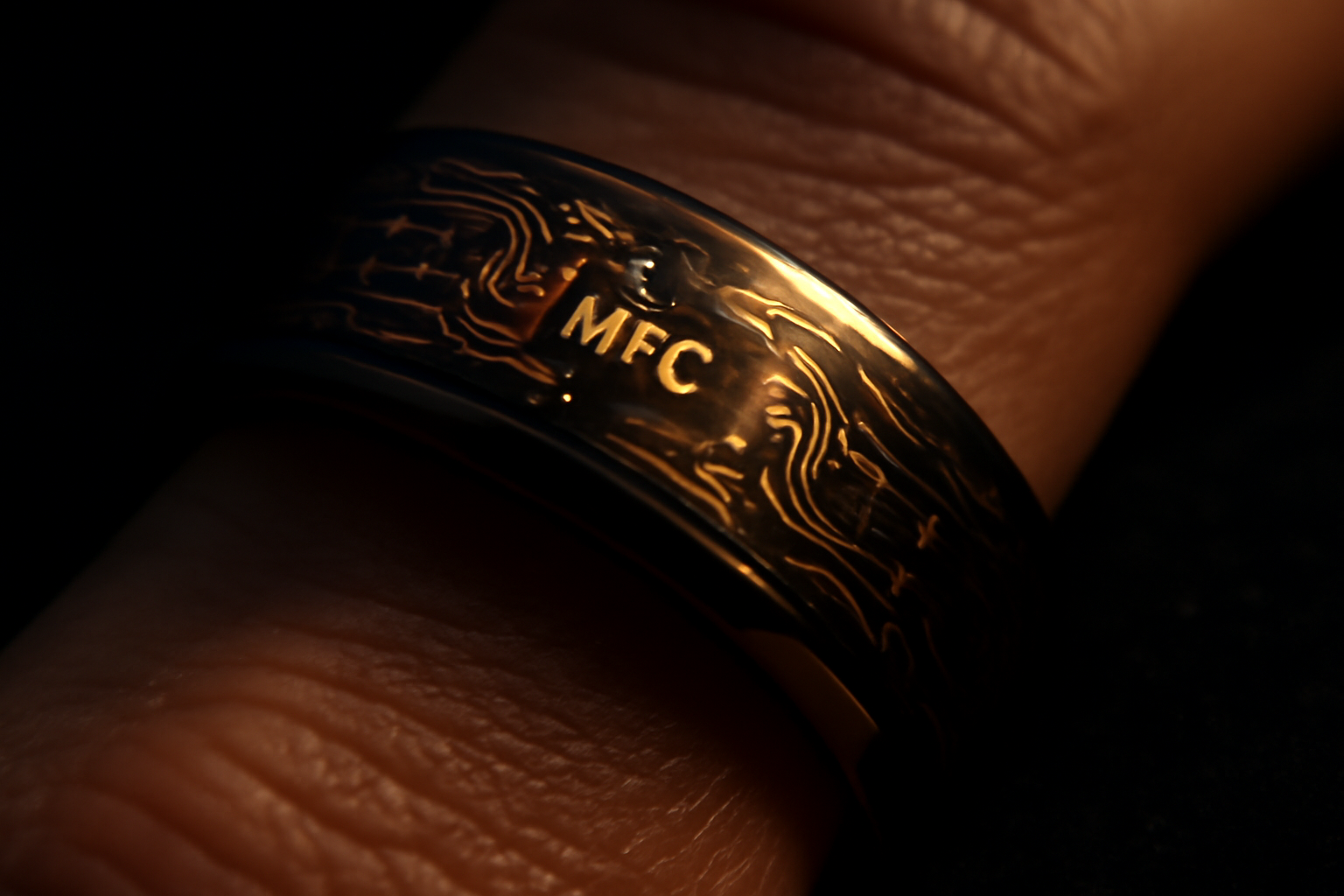
The Sequence, Step by Step
You hold your ring near the top edge of an iPhone. In about half a second, a notification banner appears at the top of the screen. It shows a small icon and a URL. The person taps the banner. Safari opens. Your profile loads.
The whole thing from tap to card takes under three seconds.
Why the Top Edge
Apple's NFC reader lives near the top of the phone, just behind the glass. Different models place it slightly differently, but the top edge is the most reliable target. If you miss it the first time, try again slightly higher.
On newer iPhones (XS and later), NFC works in the background. The phone is always scanning, even when you're not in an app. You don't need the other person to do anything to prepare.
The Banner vs. the App
You might wonder why it shows as a notification banner instead of just opening the browser automatically. That's Apple's design choice. They want users to have one tap of confirmation before the phone goes to a URL. It's a security decision and a reasonable one.
The banner is not an obstacle. Most people tap it without thinking about it. It feels natural because the entire interaction takes about the same time as opening a text message.
What They See After
Your TapRing profile opens in Safari as a mobile-optimized webpage. No app install. No permission request. No sign-in. It just loads.
They see your photo, name, bio, and links. If they want to save your contact, there's a button for that. If they want to follow a link, they tap it. Everything works exactly like any other website.
What If Their Phone Is Locked
This is where it gets interesting. On iPhones running iOS 14 and later, NFC works even when the phone is locked. The notification appears on the lock screen and the person can tap it without unlocking first.
That's not a bug. It's how Apple built it. NFC is treated like a notification, not like an app launch. Convenient for the person you're handing your card to, because there's zero friction.
What If They Have an Older iPhone
NFC background reading became available starting with the iPhone XS (2018). Anything older than that won't pick up the ring automatically. At that point, a QR code fallback is useful. Most TapRing profiles can be shared as a QR code as well, so you have a backup for older hardware.
In practice, the percentage of people still using a phone from before 2018 is small and shrinking.