
Apple Watch Contact Sharing Is Genuinely Useful
If you have an Apple Watch and the person you're meeting also has an Apple Watch, you can share contacts by holding your wrists together. It's a clean feature. It works well in a narrow set of circumstances.
The problem is that narrow part.
The Ecosystem Wall
Apple Watch contact sharing requires both people to be using an Apple Watch. That's already a significant filter. Not everyone has one. Android users are completely left out.
You can't choose who walks up to you at a conference. You can't guarantee your next important contact is an Apple Watch user. Building your networking approach around a tool that only works with certain people is a real limitation.
TapRing works with any modern smartphone. iPhone or Android. No watch required on either side.
What Apple Watch Actually Shares
Apple Watch contact sharing sends a contact card. Name, phone number, email, whatever you have saved in your own contacts app. It's functional.
But it's static. It's whatever is in your contacts. If your job title changes, your contact card doesn't update automatically. You'd have to manually edit your contact info across devices.
TapRing profiles update instantly. Change your title, your links, your photo, your job. One update. Every tap after that reflects the new information. The ring doesn't need to be touched.
The Profile vs Contact Card Gap
A contact card is a record. A name and a number.
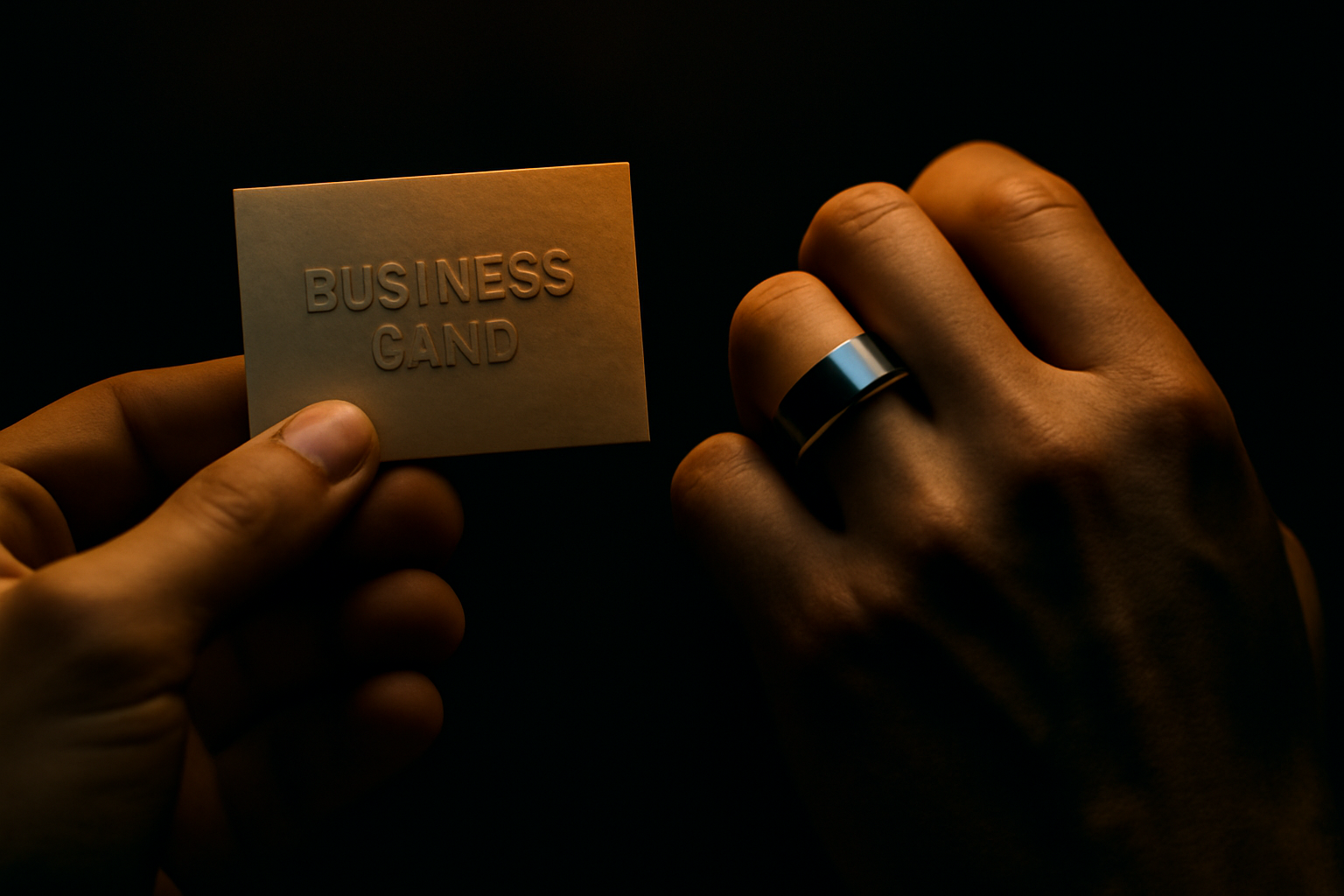
A TapRing profile is a full introduction. Your headshot. Your bio. Your website. Your social links. Your portfolio if you want it. Your calendar booking link. The whole picture of who you are professionally, presented cleanly in a browser.
When someone taps your ring, they don't just get your number. They get context. That context is what turns a tap into a follow-up.
The Price of Entry
An Apple Watch costs anywhere from $250 to over $800. Most people who have one didn't buy it for networking. It's a health tracker and notification hub that happens to share contacts.
TapRing is $45. It was built specifically for this one job. That focus shows in how well it does the job.
Wearing Two Wearables
Some people do wear both. A TapRing on one hand and an Apple Watch on the other. They're not competing for the same wrist. If you already have a watch, TapRing adds something your watch can't do.
The ring is also less intrusive for contact sharing. You don't have to undo a watch buckle or hold your wrist at an odd angle. You just extend your hand.
What Apple Watch Does Better
Fairness matters here. Apple Watch is a better fitness tracker, a better notification center, a better health monitor, and a better communication device than a TapRing.
TapRing doesn't do any of that. It does one thing. Share your professional profile with a tap, to anyone, anywhere, without conditions.
The Conditions Problem
Apple Watch contact sharing requires: both parties have Apple Watch, both are nearby, both have the feature enabled, both are willing to do the wrist-tap motion.
TapRing requires: you have your ring on. That's it.
In networking, conditions that depend on the other person introduce failure points you can't control. The fewer conditions, the more reliable the tool.
The Honest Summary
Apple Watch is a great product. Its contact sharing is a useful bonus feature for people who happen to both own one.
TapRing is purpose-built for exactly the moment when you meet someone worth knowing. No conditions. No ecosystem requirements. No back-and-forth about whether it'll work.
You tap. They get your profile. The conversation moves forward.
That's the whole point.