
What You'll Need
Your TapRing. A phone or laptop to set up your profile. Your headshot or a recent photo. The links you want to include: LinkedIn, portfolio, website, booking link, whatever is relevant to you.
That's it. No technical skills required.
Minute 1-2: Create Your Account
Go to tap-ring.com and create an account. Your account is what links your ring to your profile. Every ring comes with a code or a QR that connects it to your account during setup.
Follow the on-screen instructions to pair the ring. It takes less than two minutes.
Minute 3-5: Build Your Profile
This is the most important part.
Add a clear, recent headshot. No logos, no group photos. The person receiving your tap should be able to recognize you from the photo.
Write a short bio. One or two sentences. Your name, your role, what you do. Don't try to write your whole resume. Just enough for the person to know who you are and what you're about.
Add your phone number and email. These become clickable buttons on your card.
Minute 6-8: Add Your Links
Pick two to four links that matter.
For most people: LinkedIn, portfolio or website, and a booking or calendar link.
For creatives: portfolio, Instagram, and a contact form.
For freelancers: portfolio, a testimonials page, and a discovery call link.
Don't add every link you have. Three good links are more useful than ten distracting ones.
Minute 9-10: Test the Tap
Before you walk out the door, test it.
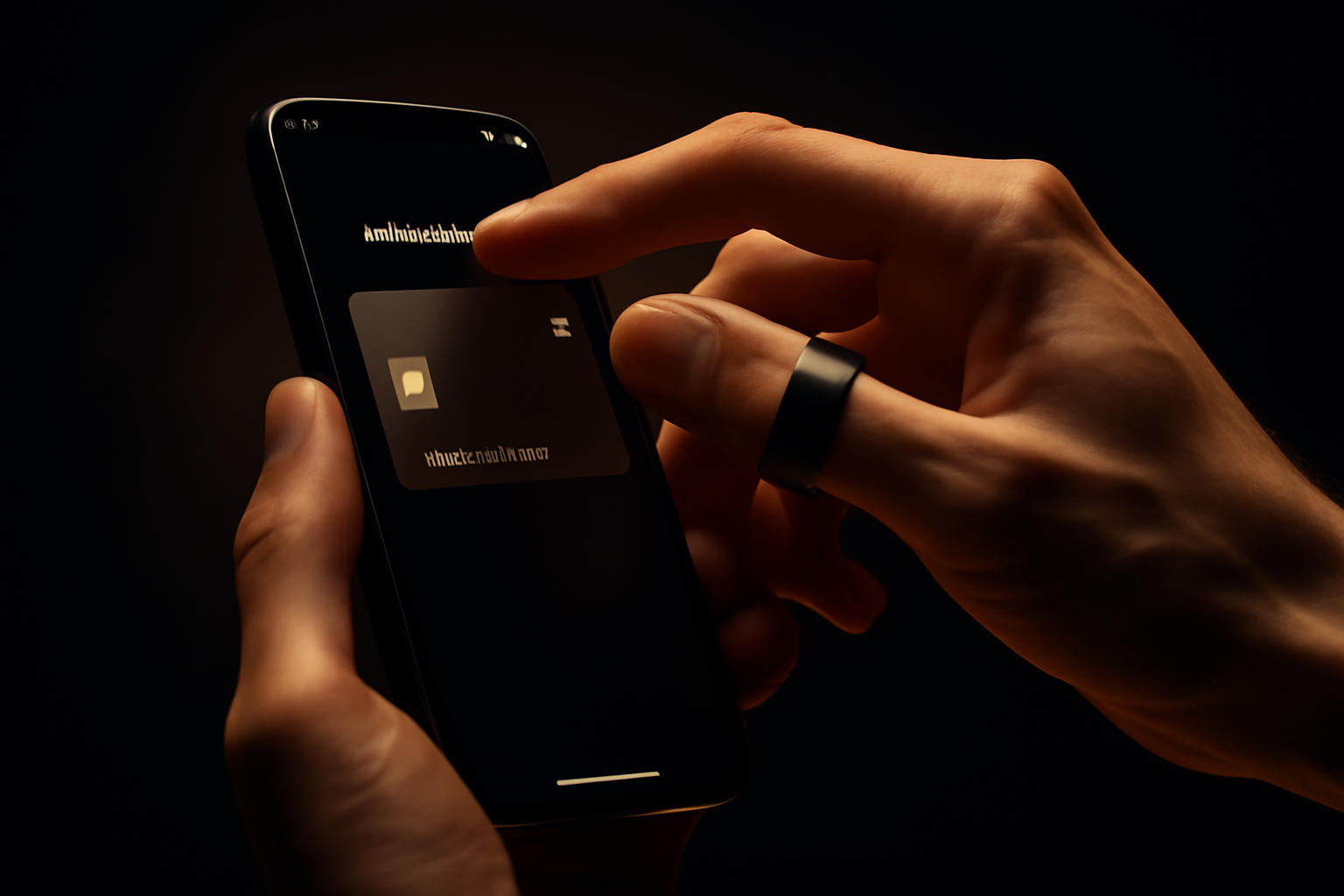
Unlock your phone. Hold your ring near the back of the phone, upper third. Your profile should open in your browser.
Looks right? You're done.
If you want to spend another five minutes: explore the dashboard. Change your card background color. Adjust the layout. Try different link styles if you're on Pro.
When You're Set Up
Your profile is live. Every future update you make in the dashboard reflects immediately, no re-pairing required.
You're now someone who never runs out of cards and never hands out outdated info.
Tap-ring.com. Rings from $45. Three months of Pro free with every ring.