
The Venue Has No Signal. Now What?
It happens more than you'd think.
Basements. Rural event spaces. Convention centers with terrible cell reception. Outdoor festivals with ten thousand people on the same tower.
If your networking tool depends on a perfect connection, it's going to let you down at exactly the wrong moment.
Here's what actually happens with TapRing when the signal drops.
How TapRing Actually Works
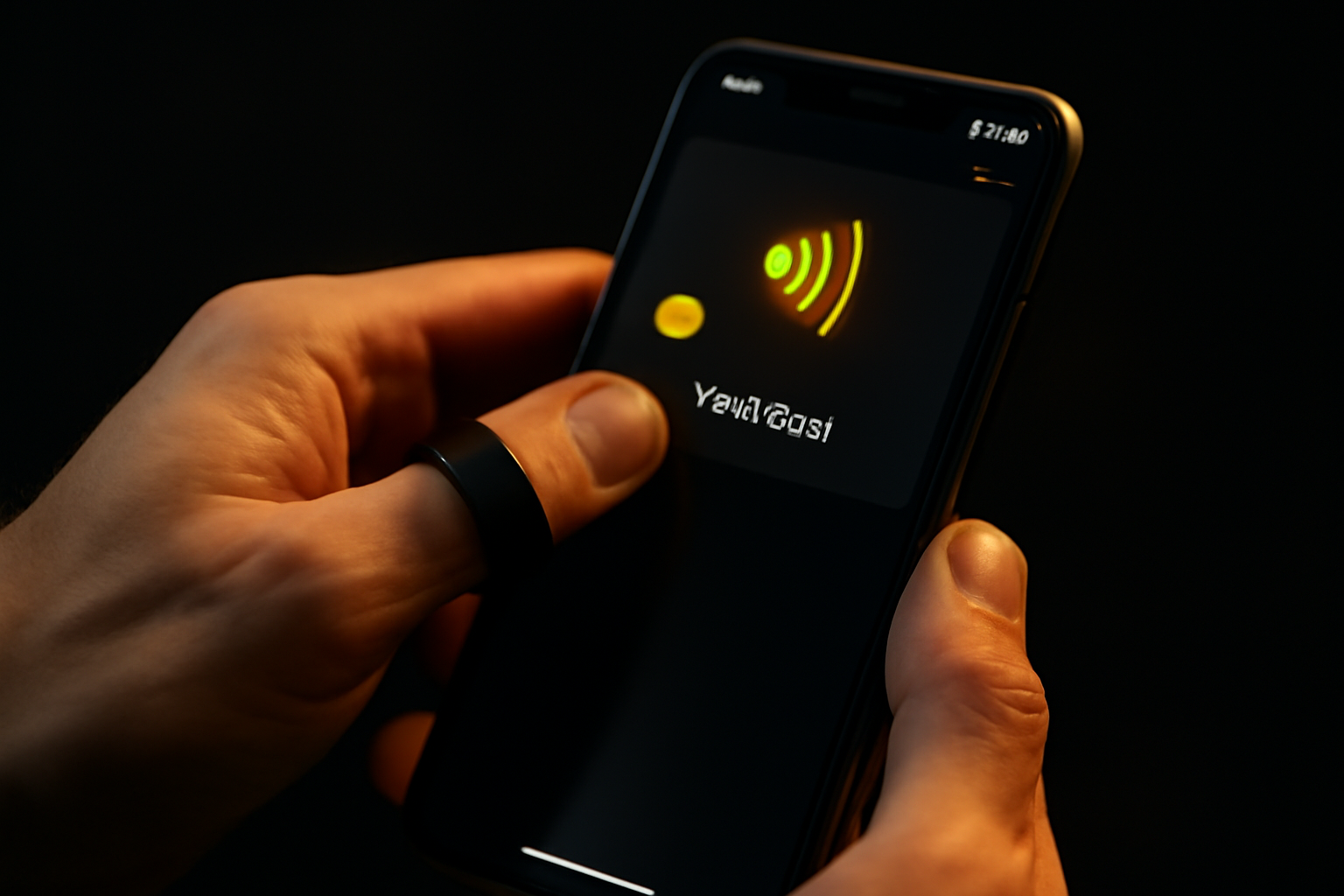
When someone taps your ring, their phone reads the NFC chip. That chip contains a URL pointing to your TapRing profile.
The tap itself doesn't need WiFi. The NFC read is local, phone to ring. No internet required for that part.
What does need a connection is loading your profile page after the tap. That's a web page, so their browser needs to reach the internet to display it.
What Happens When There's No Signal
If the other person has no data connection at all, the tap will trigger but the page won't load.
Here's the thing though: the URL is still there in their browser. The moment they get signal, the page opens. It doesn't disappear. It just waits.
For a lot of venues, this is fine. You tap, they get the URL, they're connected in the parking lot five minutes later.
How to Prepare for Low-Signal Events
If you know you're going somewhere with bad reception, set your profile up so it loads as fast as possible.
That means:
- Keep your profile clean and simple
- Don't load it with heavy images or video embeds that take a long time to render
- Make sure your most important info (phone, email, main link) is high on the page
The faster your profile loads, the better it works on a weak signal.
Have a Backup Ready
For truly dead-zone events, have one analog backup in your back pocket. Not a stack of cards. Just a few.
The ring handles ninety percent of your interactions. The cards handle the edge cases where someone literally cannot get any signal and needs something physical to take away.
You're not replacing the ring. You're covering the rare situation where technology just can't reach.
The Other Person's Phone Matters Too
Android phones vary widely in NFC performance. Some older models or budget phones handle NFC differently.
If a tap doesn't work, try adjusting the position. NFC reads best near the back of the phone, around the center or slightly toward the top.
iPhone NFC works well across most recent models. If someone has a very old iPhone, they may not get the automatic tap-to-open behavior, but they can still scan manually.
Most of the time, this is a non-issue. But it's worth knowing when you're troubleshooting on the spot.
The Workaround That Always Works
Your TapRing profile has a URL. You can share that URL any way you want.
If you're in a completely dead zone and nothing is working, you can text someone your profile link directly when you get signal. Or they can type it in manually if needed.
It's not as smooth as a tap. But it gets the job done and the person still lands on the same page.
Bottom Line
TapRing is not going to fail you just because the venue has bad WiFi. The tap works regardless. The profile loads when signal is available.
For most events, this is seamless enough that you'll never notice. For the rare truly dead-zone situation, now you know exactly what to expect and how to handle it.
Go to the event. Tap confidently. The connection gets made.