
Don't Wait Until the Moment to Find Out It's Wrong
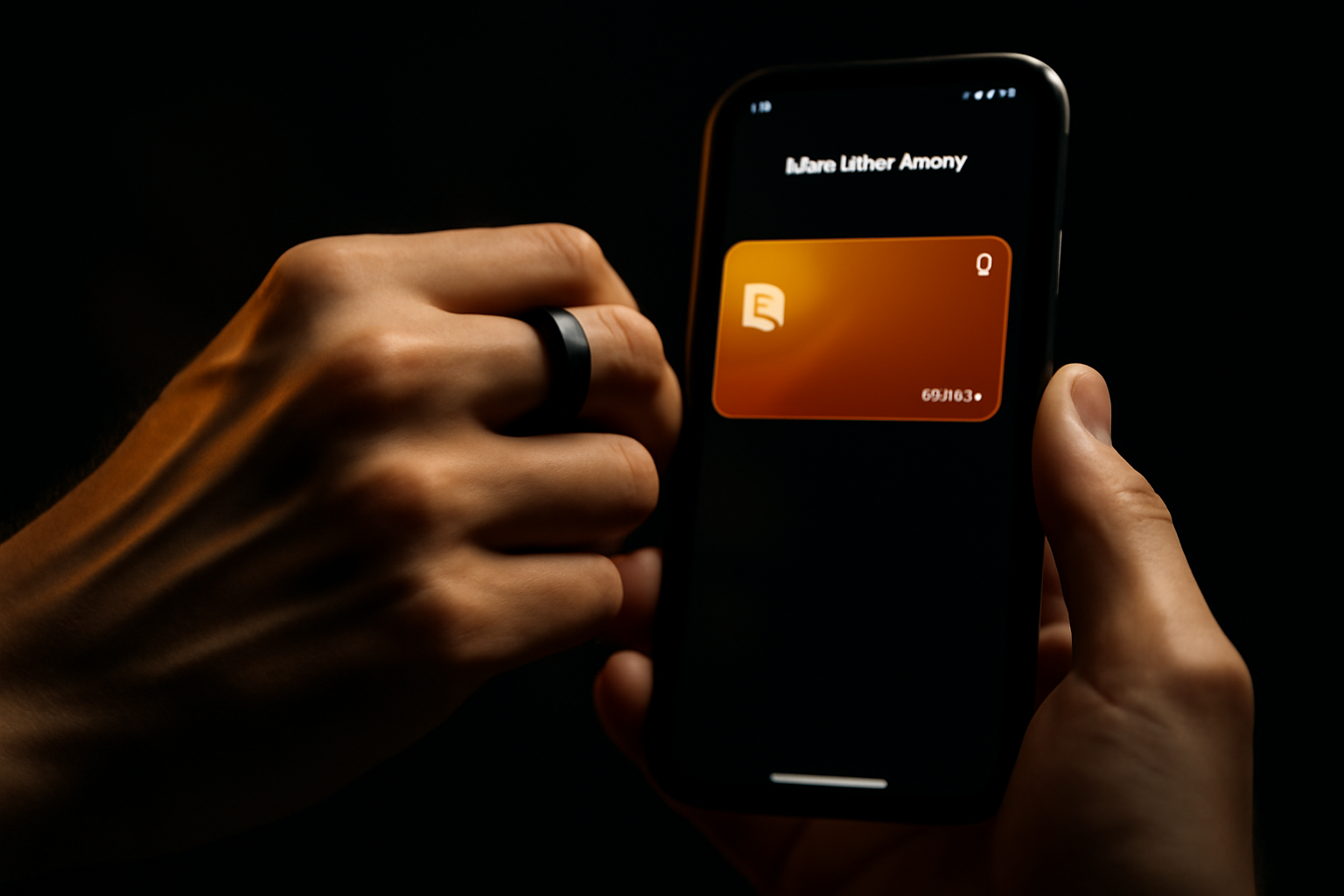
You're at a conference. Someone extends their phone. You tap your ring. The page loads and your job title is from two positions ago. Or the link to your portfolio goes to a 404. Or your email has a typo.
It happens. And it's entirely avoidable with five minutes of prep beforehand.
Here's a checklist to run before any event worth attending.
Step One: Tap Your Own Ring
Get another phone, ideally a different model than yours, and tap your ring to it.
Watch what happens. Does the page load immediately? Does it open in a browser? Is the layout clean on that screen size?
This is the most important test and most people skip it. They set up the profile and never actually experience it the way another person does.
If you don't have a second phone, ask a friend or family member to tap their phone before you leave for the event.
Step Two: Click Every Link
Once your profile is open, click every single link on it.
- Does your website load?
- Does your email link open a mail app?
- Do your social profiles go to the right account?
- If you have a booking link, does it still work?
Links break. Pages move. Services shut down. Checking takes two minutes and saves you from sending contacts to dead ends.
Step Three: Read It Like a Stranger Would
Look at your profile the way someone who doesn't know you would see it.
Is your title clear? Does your bio make sense to someone outside your industry? Is it obvious what you do and how to reach you?
A lot of profiles are set up for the person who built them, not for the person reading them. You know what all your acronyms mean. Your new contact might not.
Simplify anything that requires prior knowledge to understand.
Step Four: Check Your Photo
If you have a profile photo, look at it on a small screen. Does it look like you? Is it recent? Is it cropped in a way that makes sense at thumbnail size?
A photo that's five years old is better than no photo, but not by much if you look significantly different now. People are going to meet you in person. The photo should match.
Step Five: Verify Your Contact Info
This one sounds obvious. Check it anyway.
- Is your phone number correct and formatted so it's easy to read?
- Is your email typed correctly? No transposed letters?
- Is your LinkedIn URL pointing to your actual profile?
Mistyped contact info on a digital card is just as useless as a smudged phone number on paper. The medium doesn't fix human error.
One Optional Step Worth Taking
If your event is large enough that you expect to share your ring dozens of times, update your profile headline to match the context.
If you're a marketing consultant but this event is focused on real estate, add a line that reflects your experience in that sector. Your profile is flexible. Use that.
You can update it from your phone up until the moment you walk in the door.
What to Do If Something Is Broken
Fix it before you go. That sounds obvious but people sometimes see a broken link and tell themselves they'll deal with it later.
Later is when you're handing your profile to the person who could actually change your year.
Fix it. It takes the same amount of time as reading this paragraph.
Keep the Checklist Short
You don't need an hour of prep. You need five focused minutes.
Tap the ring. Click the links. Read the profile out loud. Check the photo. Verify the contact info.
That's it. Go to the event ready.
TapRing starts at $45 at tap-ring.com.