
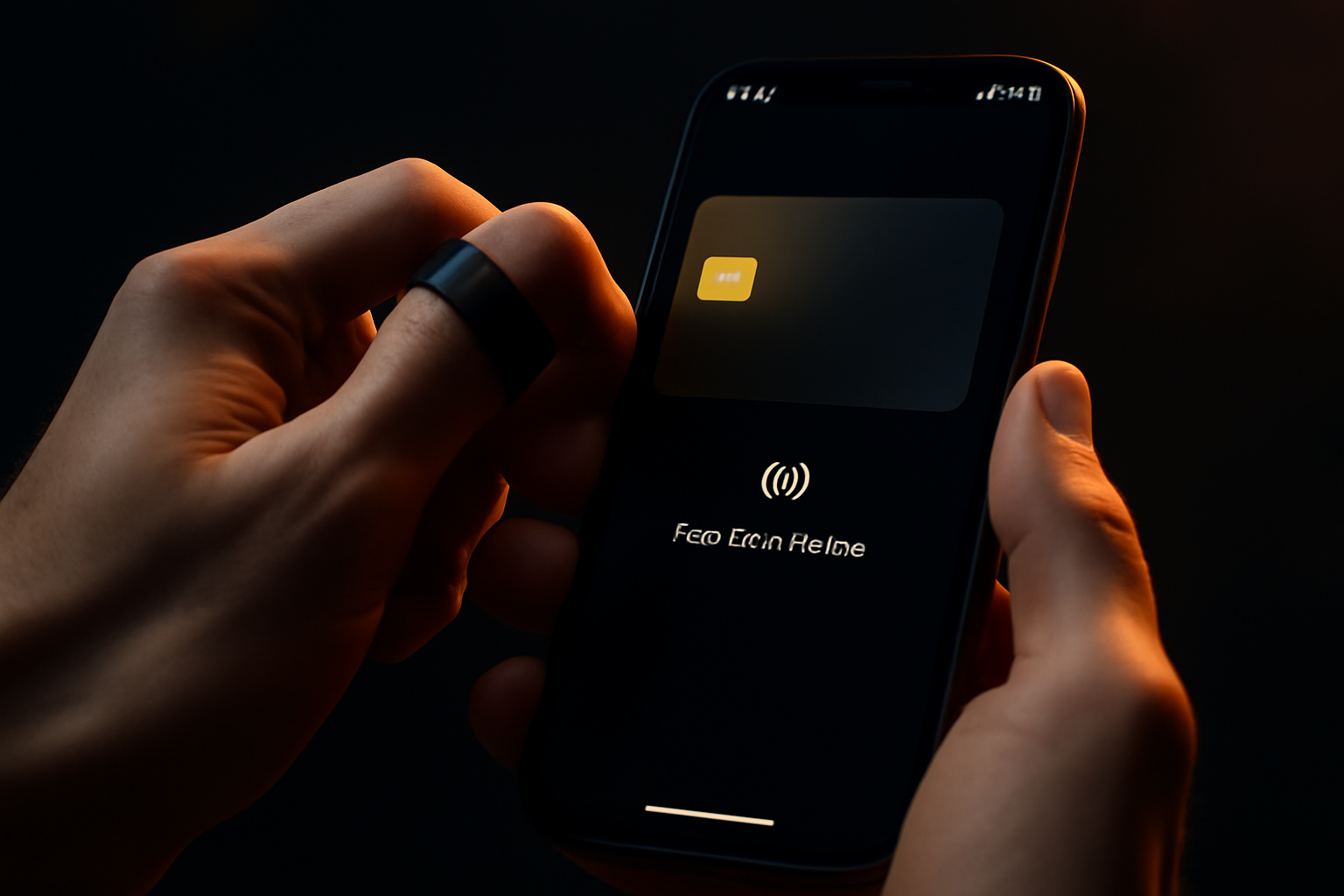
The Moment Nobody Plans For
You are at a food festival. Both hands have plates. Someone next to you turns out to run the exact kind of business you have been wanting to collaborate with.
Or you are at a gym. Your hands are chalked. You just finished a set. The person spotting you works in your industry.
Or you are at a conference, holding a coffee in one hand and a lanyard badge in the other, and someone hands you their card before you can even think.
These are the moments networking tools were not really built for. But TapRing was.
What Makes Mid-Activity Sharing Hard
The problem with traditional business cards is that they require two hands and a free pocket. You need to put something down, find the card, hand it over, and hope the other person has somewhere to put it.
Even QR codes require you to pull out your phone, unlock it, open an app, and find the right screen. That is four steps when you have zero free hands.
TapRing requires zero steps on your end. The ring is already on your finger.
Technique One: The Knuckle Tap
When your hand is holding something but your knuckles are free, you can tap with the back of your hand. The NFC chip sits at the face of the ring, so the tap works from that surface.
Ask the other person to hold their phone face-down near your ring. The back of most phones is where the NFC antenna sits. A light touch is all it takes. No pressing required.
This works well when you are holding a drink, a bag, a leash, or any single-grip object.
Technique Two: Let Them Come to You
If your hands are full, just say "hold your phone to my ring" and nod toward your hand. Most people figure it out quickly and enjoy the novelty of doing it themselves.
This actually works in your favor. When someone initiates the tap themselves, they feel more involved in the moment. It is a small thing but it sticks.
Technique Three: The Wrist Variation
If the ring is on your right hand and your right hand is occupied, try positioning your hand so the ring faces outward. Someone can tap their phone to it without you having to move much.
Practice this at home a few times. Hold a glass. Hold your phone. Hold a folder. See how the ring lines up and how naturally you can present it without putting anything down.
It takes about three tries before it feels natural.
When You Genuinely Cannot Tap
Sometimes you are mid-grip, mid-rep, mid-pour, or mid-presentation and a tap is just not happening. That is fine.
Your TapRing profile has a URL. You can text it to someone, drop it in a group chat, or even say "just search TapRing and my name" if your username is set up cleanly.
For Pro users, your profile link is always the same. You can have it saved in your phone's notes or keyboard shortcut so you can paste it in two seconds.
The ring handles 90 percent of situations. The link handles the rest.
Set Yourself Up Before You Go
If you know you are heading somewhere where your hands will be occupied, wear the ring on whichever hand stays freer. Adjust based on the activity.
Also double-check your profile before you leave. Make sure everything is current. If someone taps and sees an old job title or a dead link, it undercuts the whole impression.
Two minutes of prep before an event saves the awkward explanation later.
The Real Advantage Here
Most people completely miss the connection when their hands are full. They say "I'll find you later" and then later never happens.
With TapRing, later is right now. No matter what you are holding.