
Not Everyone Will Get It Immediately
Some people you meet are going to stare at their phone screen for a second before they understand what just happened. That's fine. The tap still works. The info still loads. You just need to know how to guide the moment.
This isn't about dumbing it down. It's about being a good host. Some of your most valuable contacts are people who built careers before smartphones were a thing. They don't need to understand NFC to benefit from it.
Start With the Result, Not the Tech
Don't say "this is an NFC ring that uses radio frequency to transfer data."
Say: "Here, I'll just put my contact info right on your phone."
That's it. That's the pitch. Most people respond positively when you frame it around what they get, not how it works.
The wow comes after. Once they see your name, number, and links appear on their screen without downloading anything, they're usually curious. Let the curiosity lead.
Walk Them Through It
If someone looks uncertain, do this:
- Ask if they have their phone out.
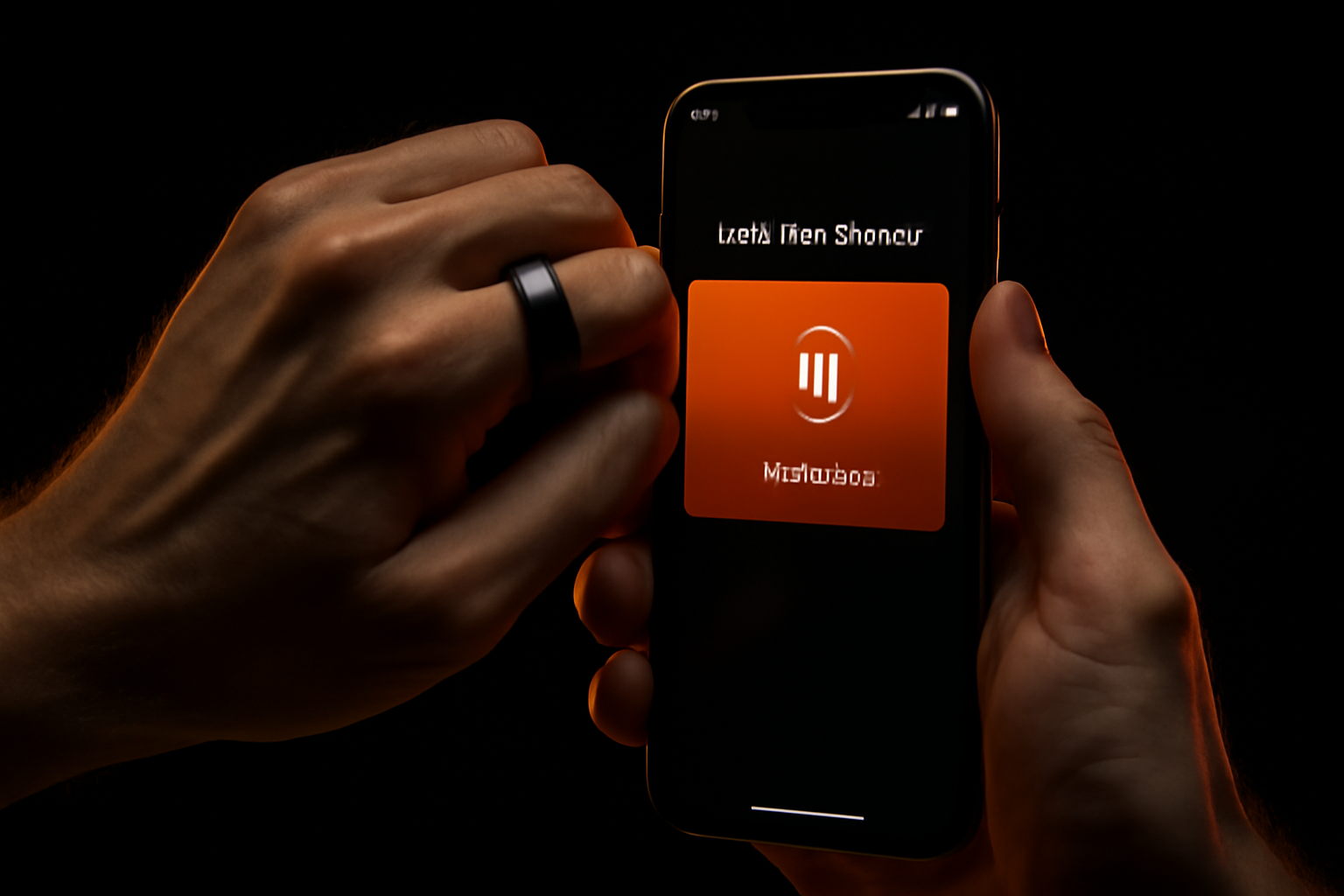
- Hold your ring hand near the back of their phone, toward the top.
- A link or contact card will pop up on their screen.
- Tell them to tap the notification and it'll open in their browser.
That's four steps. You can explain it in fifteen seconds while it's happening. Most phones respond immediately, so they're seeing the result before you've finished explaining.
What If Their Phone Doesn't React
Some older phones or phones with certain settings won't trigger automatically. In that case:
- Ask if NFC is turned on (usually in Settings under Connections or Wireless)
- If they're not sure how to check, offer to pull up your QR code as a backup
Your TapRing profile also comes with a QR code. It's the same profile, just a different way in. Having that option ready means nobody gets left out.
Don't Make It a Thing
The fastest way to make someone feel awkward about technology is to over-explain it. If the tap works and they see your profile, move on. You don't need to explain radio frequencies or give a product demo.
If they ask what the ring is, tell them. Keep it short. "It's like a digital business card you wear." Done.
The people who are genuinely curious will ask follow-up questions. Answer those. Don't volunteer a lecture.
What to Put on Your Profile for This Audience
If you regularly meet people who prefer phone calls over apps, make sure your profile reflects that.
- Put your phone number first
- Use a simple email address, not a contact form
- Skip the links that require signing up for something
- Add a short line that says what you do in plain language
Your profile should work for the person tapping it, not just the audience you imagined when you set it up.
The Moment That Usually Wins Them Over
Here's what tends to happen with skeptical older contacts. They tap, they look at their phone, they see your full contact card. They tap "Save to Contacts" and your name goes right into their phone.
Then they look up and say: "That's actually really smart."
You didn't have to convince them. The tool did it.
One More Thing
If someone is genuinely resistant to the whole idea, don't push it. Some people want a paper card. Keep one or two in your bag for those moments. But in most cases, once someone sees the tap work in real time, the resistance fades fast.
You don't have to be the early adopter evangelist. Just be the person who made it easy.
TapRing starts at $45 at tap-ring.com.