
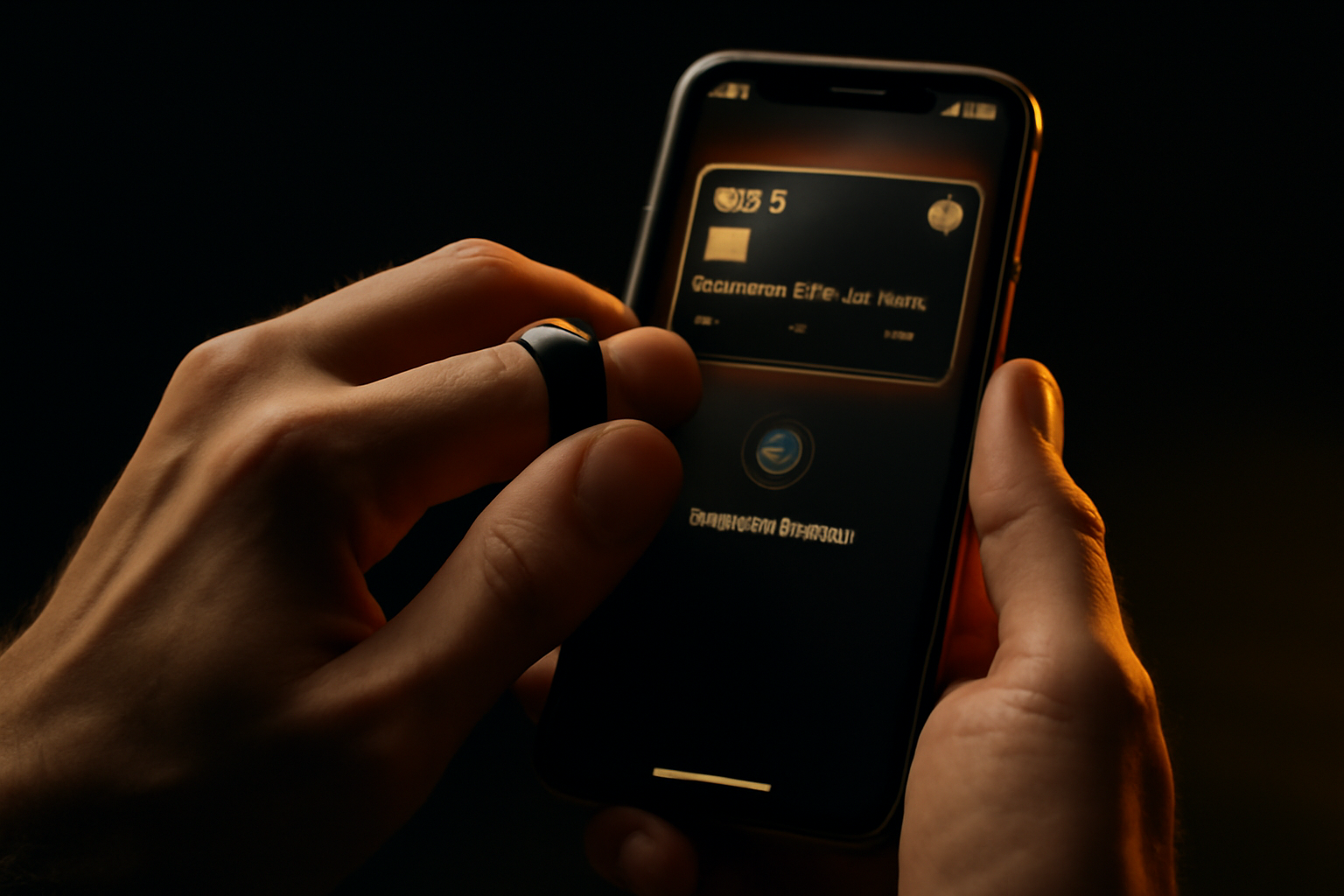
The Contact Info Problem for Creatives
If you're a designer, photographer, writer, developer, videographer, or anyone else whose work lives on a screen, a business card has always felt slightly insufficient.
A card can hold your name and email. It cannot show the thing you actually made. The gap between "here's my contact info" and "here's my actual work" is the gap where potential clients lose interest.
Adding your portfolio link to your TapRing profile closes that gap immediately.
What Happens When You Tap
When someone taps your TapRing, their phone browser opens your profile page.
That profile page can hold more than your name and number. You can add links. And one of those links can go directly to your portfolio, your Behance, your site, your Dribbble, your Squarespace, or wherever your work actually lives.
They tap your ring. They see your name. They tap the portfolio link. They're looking at your work in under ten seconds.
That's the pitch.
How to Add the Link
Log into your TapRing dashboard at tap-ring.com.
Go to your profile editor. You'll see a section for links. Add the URL to your portfolio. Give it a clean label like "My Work" or "Portfolio" or your actual website name.
Save the profile. Test it by tapping your own phone to confirm the link is working and goes to the right place.
Do this before every event, not after.
Choose the Right Portfolio Link
If you have multiple places your work lives, pick the one that loads fastest and looks best on mobile.
The person tapping your ring is standing in front of you. They're looking at their phone while you're there. A slow-loading site or a desktop-only layout will undercut the moment.
If your main portfolio site isn't mobile-optimized, link to something that is. Even a well-organized Instagram profile works better than a broken desktop site.
The tap creates a window. Make sure what's behind it is worth opening.
Order Your Links Intentionally
If you have multiple links on your profile, portfolio should be near the top.
For most creatives, the portfolio is the closer. It's the thing that converts curiosity into interest. Email and phone are important but people rarely contact you before they've seen your work.
Put your work front and center. Contact details can follow.
When to Tap and What to Say
At in-person events, you'll often be mid-conversation when the topic of your work comes up. That's the moment.
"I'll just tap your phone and you can see the actual work" is a clean line. It moves faster than pulling out a phone and typing a URL. It leaves them with a direct path to your portfolio and your contact info at the same time.
You're not asking them to remember a URL. You're not hoping they find you later. You're putting the work directly in their pocket.
Keep the Portfolio Current
This is worth saying plainly: update your portfolio before you use your TapRing at an event.
If someone taps your ring tonight and the work on your portfolio page is two years old, you've handed them an outdated version of yourself. The tap is fast. The impression it leaves depends entirely on what they find.
Update your portfolio. Then update your TapRing profile link if the URL changed. Then go to the event.
The Full Picture
Your TapRing profile becomes the central hub: name, title, email, phone, LinkedIn, and the direct link to the work that proves all of it.
One tap. Everything they need to decide if they want to work with you.
TapRing starts at $45. The Pro plan gives you analytics so you can see if people are clicking your portfolio link after events.